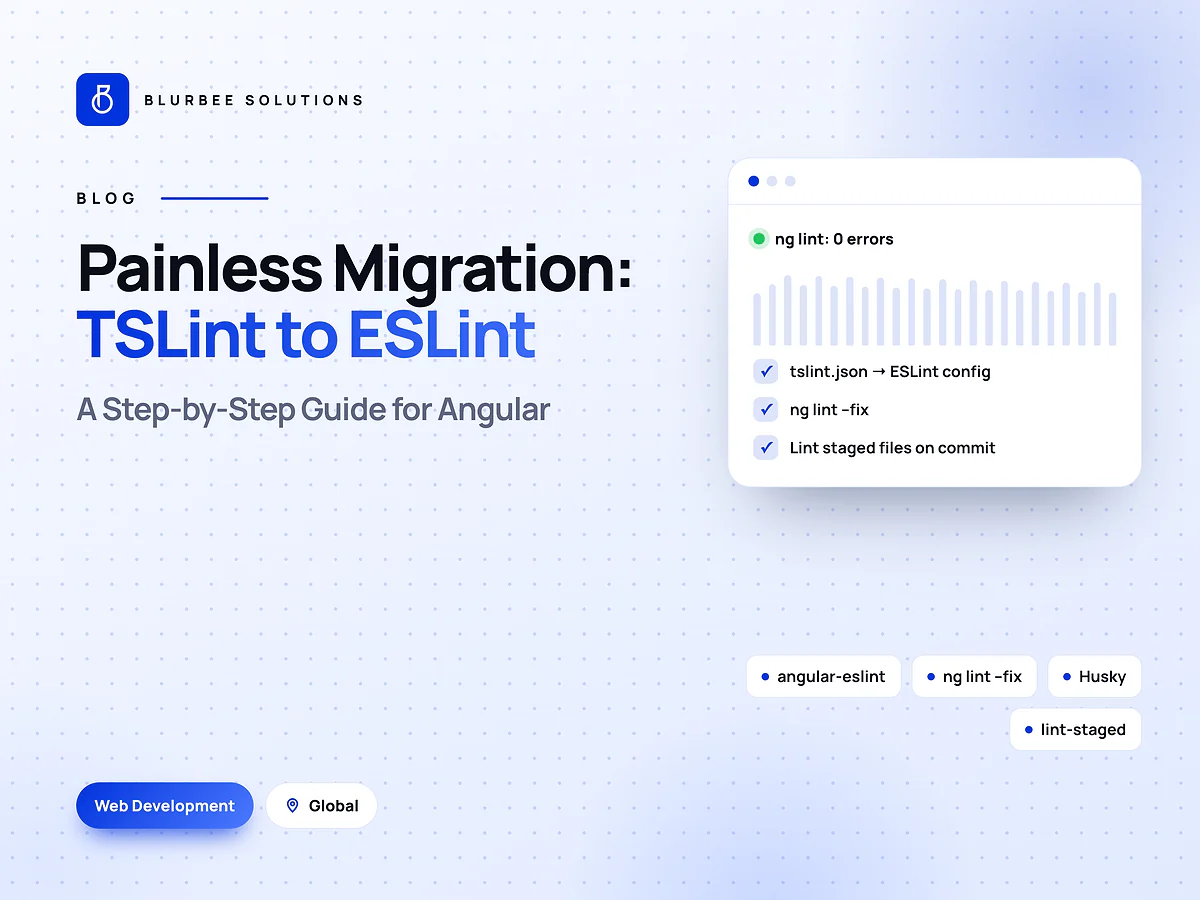
Painless Migration of TSLint to ESLint in Angular: A Step-by-Step Guide
Step-by-step guide to migrating Angular from TSLint to ESLint with angular-eslint, fixing lint errors and linting staged files before every commit.

2026 update: This guide was first written for Angular 11 and 12, and the core steps still apply to older projects. On current Angular versions you can add linting with
ng add angular-eslint, ESLint now defaults to flat config (eslint.config.js) rather than.eslintrc.json, and Husky v5 and later use a.husky/directory instead of thehuskysection inpackage.jsonshown in the bonus step. For a full upgrade path, see our Angular upgrade guide.
Why migrate?
As you probably know, TSLint has been deprecated since 2019. But until Angular 12, the Angular CLI was still generating projects with built-in support for TSLint, so most Angular developers out there have TSLint in their projects. From the Angular CLI v12 release, this is no longer the case: the CLI generates projects without the lint configuration. Angular v12 also requires TypeScript v4.2, and TSLint misbehaves with this version (and that's probably not going to be fixed, of course).
All this points to an obvious task for us Angular developers: we have to migrate to ESLint.
ESLint and Angular
TSLint integrated well with Angular since it was designed from the ground up to work with TypeScript. Using ESLint with an Angular project is actually a complex use case, requiring ESLint to be extended with quite a few separate packages.
Our saviour is @angular-eslint, an open-source project which makes converting your Angular project to ESLint easy. They've done the hard work of extending ESLint with all the necessary dependencies, configuring Angular to work with it, and packaging it up in a schematic.
The migration, step by step
Step 1: Prerequisite
Update your TSLint, as the schematics will not migrate if you have a version older than 5.x. Use the command below to get the latest:
npm i tslint@latest
Step 2: Run @angular-eslint
A. Add @angular-eslint to your project:
ng add @angular-eslint/schematics
If you have an Angular 12 project (without TSLint), you're done!
B. For migration from TSLint on Angular 11 or 12, run the following:
ng g @angular-eslint/schematics:convert-tslint-to-eslint --remove-tslint-if-no-more-tslint-targets
If you are on Angular 9 or 10, an older version of the schematic gets installed and the convert command differs slightly. You may want to prioritise upgrading Angular before converting to ESLint. But if you really want to upgrade linting first, use this command:
ng g @angular-eslint/schematics:convert-tslint-to-eslint <project-name-here>
The above command will do the following for you:
- Read your chosen project's
tslint.jsonand use it to create a.eslintrc.jsonat the root of the specific project which extends from the root config. If you do not already have a root config, it will also add one automatically.- The contents of this
.eslintrc.jsonwill be the closest possible equivalent to yourtslint.jsonthat the tooling can figure out. - Pay close attention to the terminal output of the schematic as it runs, because it will let you know if it couldn't find an appropriate converter for a TSLint rule, or if it has installed any additional ESLint plugins to help you match up your new setup with your old one.
- The contents of this
- Update the project's
architectconfiguration inangular.jsonso that thelinttarget invokes ESLint instead of TSLint. - Update any instances of
tslint:disablecomments located within your TypeScript source files to their ESLint equivalent. - If you choose YES (the default) for the
--remove-tslint-if-no-more-tslint-targetsoption, it will also automatically remove TSLint and Codelyzer from your workspace if you have no more usage of them left.
Step 3: Fix linting issues
Now your project is successfully migrated to ESLint and you should be good to run the ng lint command. It will probably find some issues, like trailing spaces and naming convention rules. Most of these can be fixed automatically with:
ng lint --fix
You should now see some changed files. ESLint fixes everything it can, but it won't change everything for you. You shouldn't have too many new things to fix. If you have some false positives, don't worry: these won't prevent your build from succeeding.
Step 4: Clean up (for Angular v10 or earlier)
As we are using ESLint, we do not need TSLint anymore:
- Delete the
tslint.jsonfile from the root andsrc/. - Remove the TSLint package:
npm uninstall tslint --save
You're done now. If you still find some errors, you may update the rules in .eslintrc.json based on the errors, or fix them in the code.
Bonus: lint staged files before every commit
Most of the time we don't check our code's linting before committing, and end up maintaining bad code and solving the errors at the last minute.
So here is a solution: check linting on staged files before each commit, and avoid bad commits by you or any contributor in the same repo.
We need a couple of packages to automate this:
npm i husky lint-staged --save-dev
Add new settings for these packages in package.json:
"scripts": {
  ...
},
"husky": {
  "hooks": {
    "pre-commit": "lint-staged --relative"
  }
},
"lint-staged": {
  "src/**/*.{ts,html}": [
    "eslint --fix"
  ]
},
One thing I love about this is that it only runs linting on staged files and ignores the rest.
That's about it. This will now run linting before each commit and save the effort of checking code pattern errors in pull requests. (On Husky v5 and later, create the hook with npx husky init and put npx lint-staged --relative in .husky/pre-commit; the lint-staged section stays the same.)
Conclusion
That about wraps it up. Your app is now future-proof, at least on the linting front. Keep an eye out for new versions of angular-eslint to fix open issues.
Happy coding!
For keeping the whole codebase current rather than just its linting, see refactoring legacy code without breaking production and React vs Next.js vs Angular in 2026.
Founder & CEO at Blurbee, dedicated to sharing knowledge with the developer community.
The migration, in numbers
Blurbee delivery practice, indicative. Fixing lint issues varies most, with codebase size and how strict the old TSLint rules were.
Why teams modernise Angular apps with Blurbee
We have migrated Angular codebases from AngularJS and early Angular versions to current releases, with tests passing at every step and lint rules enforced in CI.
- Fixed-scope first projectTwo to four weeks, priced as a number rather than an estimate, so you have evidence before a longer commitment.
- One delivery lead, namedYou always know who to ask. No account manager relaying questions to a team you never meet.
- Code and IP are yoursAssigned in writing, handed over with repositories, infrastructure definitions and documentation whether or not you continue with us.
- Performance budgets in CICore Web Vitals and bundle size gate the build. Slow does not ship.
- Accessibility to WCAG 2.2 AAReviewed with automated and manual passes, not claimed on a slide.
- Written overlap disciplineStanding calls inside your working window, everything else asynchronous with a decision log.