What a Web App Maintenance Retainer Should Actually Include (and What's a Junk Fee)
What a web app maintenance retainer should cover, from security patches and monitoring to tested backups and SLAs, and which fees are junk.

After launch, most web applications move onto some kind of maintenance arrangement. Some are excellent. Many are a monthly invoice with little to show for it: an "account management" fee, a vague promise of monitoring, and hours that disappear at the end of each month. This is what a retainer should actually include, and how to spot what should not be there.
The essentials
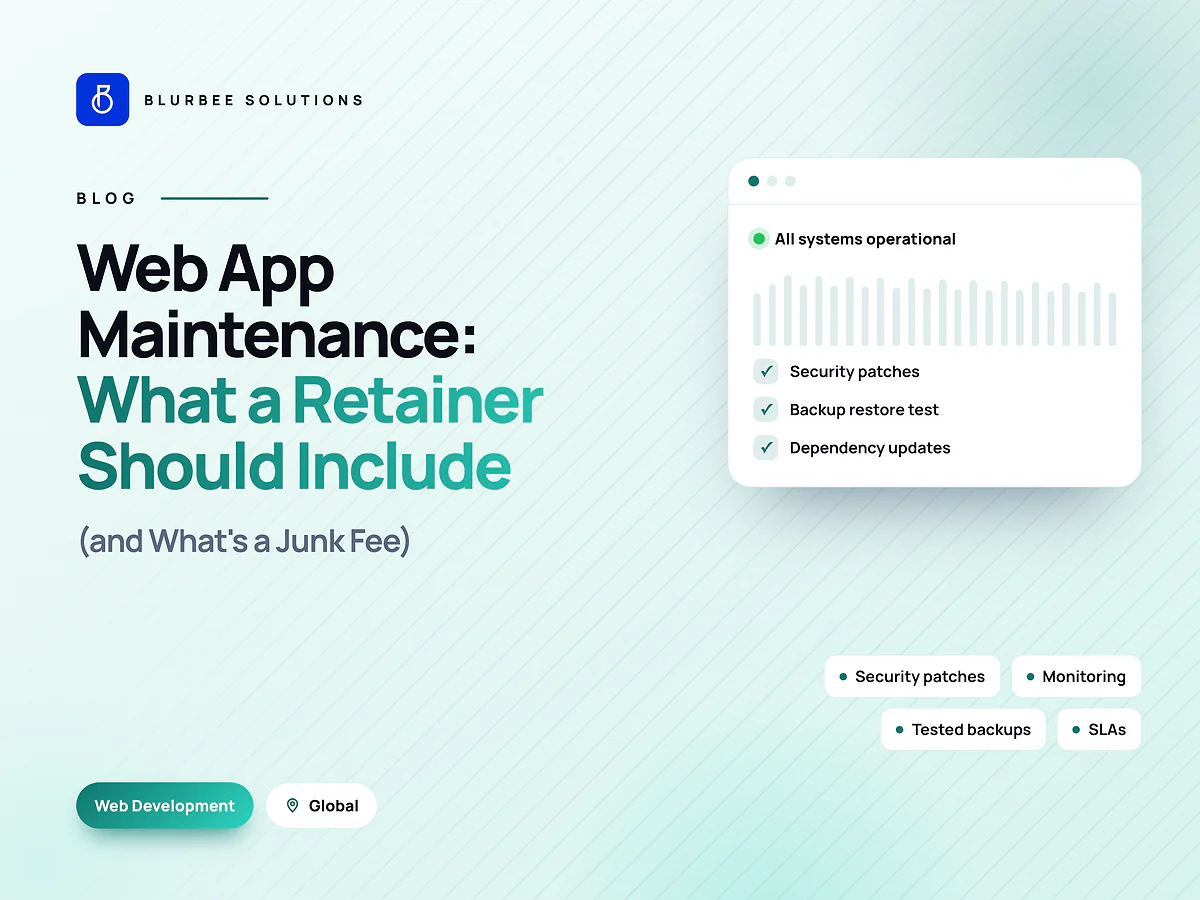
A useful maintenance retainer covers seven things, each with a defined output.
1. Security patches and dependency updates
Every web application depends on frameworks, libraries and runtimes that receive security fixes. A retainer should review updates at least monthly, apply critical security fixes quickly, and keep major versions within their supported windows. Output: a list of what was updated and why.
2. Monitoring
Uptime checks, error tracking and performance monitoring, with alerts that reach a person. Output: real alert rules you can see, and monthly figures for uptime, error rates and key response times.
3. Incident response with defined severity levels
A clear definition of what counts as critical, high, medium and low, with response and resolution targets for each, and the hours support is available. "As soon as possible" is not a target.
4. Tested backups
Automated backups of data and configuration, stored separately from production, and a restore test into a separate environment at least quarterly. A backup job that reports success is not proof you can recover.
5. Performance and cost review
Periodic checks on page speed, Core Web Vitals, slow queries and hosting costs, with recommendations. Applications drift slower and more expensive over time unless someone looks.
6. Hours for small fixes and improvements
A defined block of hours for bug fixes and small changes, with a fair rollover rule. This is often the most valuable part of a retainer because it stops small issues piling up.
7. A monthly report
What was updated, what incidents happened and how they were resolved, uptime and performance figures, hours used by category, and recommended next steps. Without a report, you cannot tell what you are paying for.
Junk fees to watch for
- Vague management or monitoring fees with no defined alerts, reports or activities behind them.
- Automated tasks billed as manual work. Automated backups and uptime checks cost little to run; paying hours for them each month is padding.
- Hours that expire immediately, with no reporting of how they were used.
- Exit or handover fees for access to your own code, data or accounts.
- Mandatory hosting markups where the provider resells hosting at a large premium and keeps the account in their name.
- Emergency rates for problems caused by skipped maintenance, which is paying twice.
Ownership and access
Your hosting, domains, repositories, monitoring tools and third-party services should be in your accounts, with the provider given access. That keeps you in control, makes the provider's work visible, and makes switching straightforward if you ever need to.
How to compare quotes
Line up quotes against the seven essentials above. For each, ask what exactly is done, how often, and what you receive as evidence. Then compare the response and resolution targets for critical incidents and the rollover rule for hours.
A cheaper retainer that skips restore tests and dependency updates is not cheaper. It is deferring cost into an outage or a forced emergency upgrade. The regular, small updates are what keep large, expensive ones from happening; if a system has already drifted badly, see our guide to refactoring legacy code without breaking production.
Sizing the retainer
The right size depends on the application's age, complexity, traffic and how critical it is. A newer, well-tested application needs fewer hours than an older one with many dependencies. We size retainers after reviewing the codebase, the dependency list and the incident history, then adjust after the first three months based on actual usage.
Maintenance versus new features
A maintenance provider can often build new features too, either within the improvement hours or as separately scoped work. Keep the two distinct in reporting. Otherwise maintenance quietly becomes feature work and updates stop happening, or the reverse.
A sample severity table
Every retainer should define severity levels like these, with targets agreed for your business:
| Severity | Example | Response target |
|---|---|---|
| Critical | Site or app down, checkout broken, data exposure | Within an hour or two, around the clock if agreed |
| High | Major feature broken for many users | Same business day |
| Medium | Feature degraded, workaround exists | Within a few business days |
| Low | Cosmetic issue or minor bug | Scheduled into improvement hours |
The exact targets depend on how critical the application is and what you are paying for. What matters is that they are written down and reported against.
Questions to ask before signing
- What exactly happens each month, and what evidence do we receive?
- When was the last restore test for a client like us, and how long did it take?
- Which accounts will you need access to, and which will you own? (The answer should be none.)
- How are unused hours handled?
- What happens at the end of the retainer?
Start with a health check
Our first fixed-scope project for maintenance is a health check: dependency and security review, monitoring setup, a backup restore test and a prioritised list of fixes. It is useful on its own, and it sets the baseline for a retainer.
We maintain web applications for teams across India, the United States, the United Kingdom, the UAE and Canada; see web development services.
Maintenance, in numbers
Blurbee maintenance practice, indicative monthly split for a mid-sized web application. Varies with age and complexity.
Why teams keep their apps healthy with Blurbee
Our retainers list exactly what is included, report what was done every month, and test restores rather than assuming backups work. If you leave, you take everything with you.
- Fixed-scope first projectTwo to four weeks, priced as a number rather than an estimate, so you have evidence before a longer commitment.
- One delivery lead, namedYou always know who to ask. No account manager relaying questions to a team you never meet.
- Code and IP are yoursAssigned in writing, handed over with repositories, infrastructure definitions and documentation whether or not you continue with us.
- Performance budgets in CICore Web Vitals and bundle size gate the build. Slow does not ship.
- Accessibility to WCAG 2.2 AAReviewed with automated and manual passes, not claimed on a slide.
- Written overlap disciplineStanding calls inside your working window, everything else asynchronous with a decision log.