App Development in Chicago: What a Post-Launch App Roadmap Should Look Like
The six months after a Chicago app ships: stability, store requirements, legacy integrations, Illinois BIPA, evidence-led priorities and USD budgets.

Launch day is when most app projects feel finished and most of the real work begins. Chicago logistics and manufacturing teams in the Loop and River North feel this sharply, because their apps sit on top of ERP, warehouse and transport systems that were not designed for mobile traffic. The first six months after v1 decide whether the app becomes part of how the business runs, or something people quietly stop opening.
This is what a post-launch roadmap should contain.
Month one: stabilise before you build
The temptation after launch is to start on the features that were cut from v1. Resist it for a few weeks.
Watch daily:
- Crash and ANR rates, by device and OS version. Google Play flags apps above a 1.09% user-perceived crash rate or 0.47% ANR rate in Android vitals.
- Slow screens and failed API calls, especially those that depend on back-office systems.
- Support tickets and store reviews, grouped by theme.
- Funnel tracking, checking that analytics actually record the steps you care about.
Fix the top problems fast and ship small updates. A stable app earns the trust that later features depend on.
Months two to three: evidence-led priorities
Once the app is stable, decide what to build from evidence rather than the v1 wish list:
- Where do users drop out of key flows?
- Which features are used, and which are ignored?
- What do support, sales and operations hear most often?
Rank candidates by their effect on the metric the app exists to move, such as orders placed, deliveries confirmed or hours saved, and by effort. The wish list usually shrinks.
Integrations deserve their own lane
In Chicago, apps commonly depend on systems older than the teams using them. When those systems are slow or offline, the app should not fall over. A healthy roadmap includes:
- An integration layer with queues and retries between the app backend and back-office systems.
- Offline tolerance for drivers, warehouse staff and field teams.
- Monitoring that tells you which upstream system failed.
This work is invisible to users when done well and very visible when skipped. For backend choices behind it, see API and backend choices that make or break an app.
Platform deadlines go in the calendar
Two kinds of work are not optional:
- Store requirements. Google Play requires apps to target an Android API level within a year of each new release, and Apple sets annual deadlines for building with recent Xcode and SDK versions. Missing them blocks updates.
- Dependency updates. Frameworks, SDKs and libraries receive security fixes. Small, regular updates are far cheaper than large, overdue ones.
Put both into the roadmap as recurring work so they never become emergencies.
Compliance in Illinois
If the app uses face, fingerprint or voice data from Illinois residents, the Biometric Information Privacy Act requires written notice, consent, a published retention schedule and limits on disclosure, and it allows private lawsuits. Design consent and retention before biometric features ship. The Illinois Personal Information Protection Act also sets breach-notification duties.
Release rhythm
For most business apps, release every one to two weeks with staged rollouts, so a bad build reaches a small share of users and can be halted. Feature flags let unfinished work ship switched off. Small, frequent releases are safer than big, rare ones.
Budget and team shape
After launch, many teams move to a monthly retainer or a small dedicated team rather than a project budget. Chicago agencies typically charge $95-180 per hour for mid to senior app work; our blended app team is $24-48. We keep 2.5 hours of live overlap with Central time, with a written handoff at the end of each India day.
Whatever the team, keep code repositories, App Store and Google Play accounts and signing keys in your company's name.
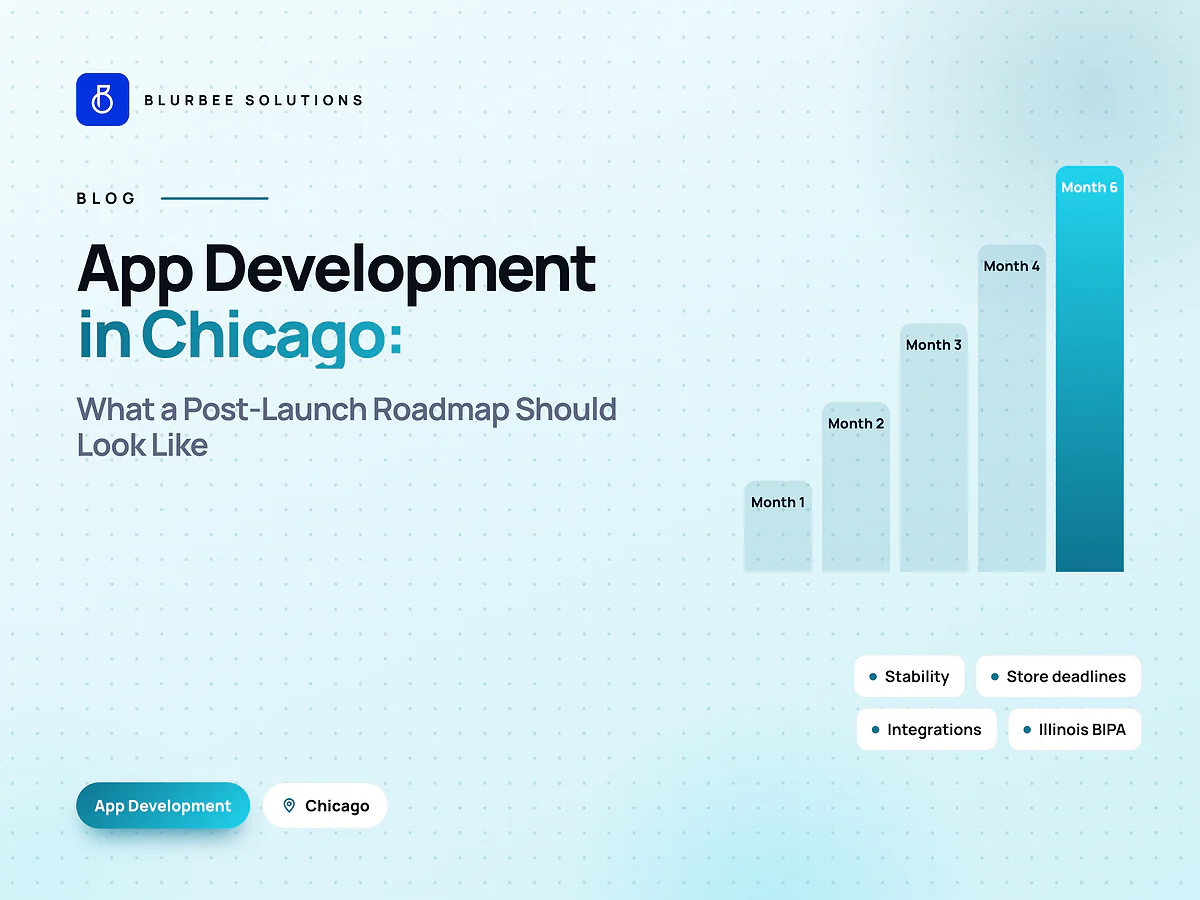
A sample six-month roadmap
Month 1: stabilisation sprint, analytics verification, top crash fixes. Month 2: integration hardening with queues and monitoring; first evidence-led improvement to the main flow. Month 3: highest-value feature from the backlog, released behind a flag to a pilot group. Month 4: platform updates for the next store requirements; dependency upgrades. Month 5: second feature or expansion to a new user group, based on month-3 results. Month 6: review metrics against launch goals and plan the next half-year.
Each month ends with a short report: stability numbers, what shipped, what the data says, and what changes next month.
Start with a stabilisation sprint
The first fixed-scope project is a one-month stabilisation and analytics sprint: fix the top crashes and slow screens, verify tracking, and produce a six-month roadmap grounded in evidence. For the native versus cross-platform decision behind it, see native vs cross-platform in 2026.
Life after launch, in numbers
Blurbee delivery practice, indicative for a business app after v1. Varies with stability at launch.
Why Chicago teams plan life after launch with Blurbee
We plan the months after launch around evidence: crash rates, funnels and the legacy systems your app depends on. Platform deadlines go in the calendar before they become emergencies.
- Fixed-scope first projectTwo to four weeks, priced as a number rather than an estimate, so you have evidence before a longer commitment.
- One delivery lead, namedYou always know who to ask. No account manager relaying questions to a team you never meet.
- Code and IP are yoursAssigned in writing, handed over with repositories, infrastructure definitions and documentation whether or not you continue with us.
- Performance budgets in CICore Web Vitals and bundle size gate the build. Slow does not ship.
- Accessibility to WCAG 2.2 AAReviewed with automated and manual passes, not claimed on a slide.
- Written overlap disciplineStanding calls inside your working window, everything else asynchronous with a decision log.