CRM Implementation Guide: Steps, Timeline, Data Migration and User Adoption
A CRM succeeds when people use it every day. This guide covers the steps that get you there, from requirements to data migration and adoption.

Most CRM projects that disappoint do not fail technically. The software works, the data is in, and still the sales team keeps its own spreadsheet. Implementation is as much about process and people as configuration. These are the steps we follow to get a CRM used rather than merely installed.
1. Start with goals, not features
Write down what the CRM must change for the business:
- Faster response to new leads.
- A single view of each customer across sales and support.
- Accurate pipeline forecasts.
- Less manual data entry.
Each goal should have a measure, such as response time, forecast accuracy or hours saved per week. These measures decide what to build first and how you will know the project worked.
2. Map your current process
Before configuring anything, map how leads, deals, customers and support requests flow today. Interview the people who do the work: sales, support, marketing and finance. You will find steps that exist only because the old tools forced them, and those should not be copied into the new system.
3. Choose the CRM
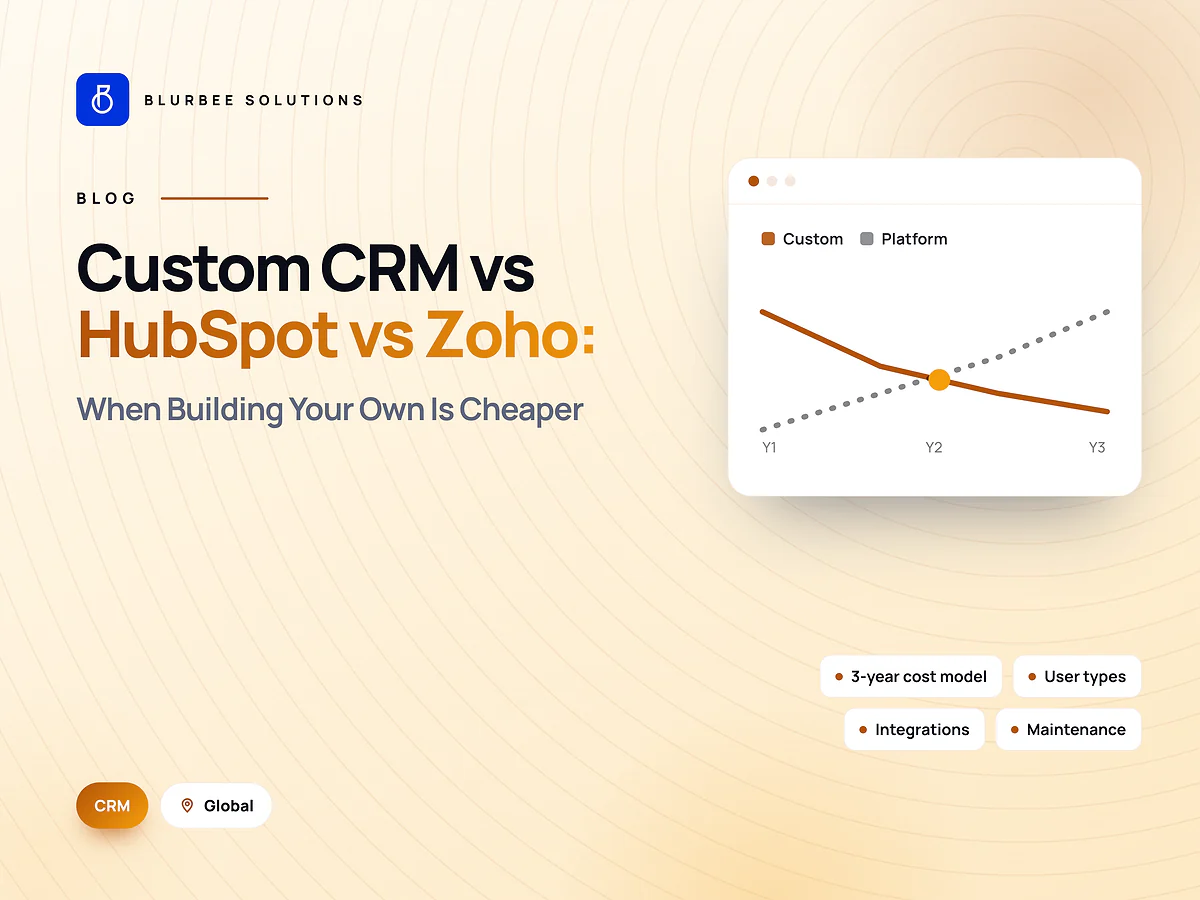
The main options are a mainstream platform such as HubSpot, Salesforce or Zoho, configured to your process, or a custom CRM built around a unique workflow. Most companies are best served by configuring a proven platform. A custom CRM makes sense when your workflow is unusual enough that licences and workarounds cost more than building. Our custom CRM vs HubSpot vs Zoho comparison covers the costs.
| Choose a platform when… | Consider custom when… |
|---|---|
| Your process is close to standard sales and support | Your workflow is genuinely unique |
| You want proven features and a large app ecosystem | Licence costs grow faster than value |
| Speed to launch matters most | You need deep integration with internal systems |
4. Design the data model and pipeline
Define the objects (contacts, companies, deals, tickets and any custom ones), the fields each needs, the pipeline stages and the rules for moving between them. Keep fields to those someone will actually fill in and use. Every extra required field reduces adoption.
5. Plan data migration carefully
Data migration is where CRM projects most often slip. A safe sequence:
- Export data from every source: old CRM, spreadsheets, email tools and accounting.
- Clean it: remove duplicates, fix formats and decide what is too old to keep.
- Map old fields to new ones and agree the rules for conflicts.
- Run a test migration on a sample and check it with the people who know the data.
- Run the full migration, then validate counts and spot-check key records.
- Keep a backup of the source data until the new system is proven.
6. Integrate with the systems around it
A CRM is most useful when it connects to the tools your team already uses:
- Website forms and live chat, so new leads arrive automatically.
- Email and calendar.
- Marketing automation and advertising platforms.
- Accounting or ERP for quotes, invoices and payments.
- Support tools and phone systems.
7. Automate the repetitive work
Use automation for what people forget or dislike:
- Lead assignment and follow-up reminders.
- Stage changes when key actions happen.
- Notifications for stalled deals.
- Approval workflows for discounts or contracts.
Automate a process only after it is agreed. Automating a broken process just breaks it faster.
8. Train the team and drive adoption
- Train by role, using real examples from your own data.
- Give each team a simple daily routine in the CRM.
- Make managers run pipeline reviews from the CRM, not from spreadsheets.
- Collect feedback in the first weeks and fix friction quickly.
9. Launch in phases
Start with one team or one pipeline, prove it works, then expand. A phased launch reduces risk and gives you early wins to build on.
10. Measure and improve
Track the measures from step one, plus adoption signals such as active users and records updated per week. Review dashboards monthly and keep improving.
Data protection
CRMs hold personal data, so apply the rules for your markets, for example UK GDPR, PIPEDA in Canada, the UAE PDPL or US state privacy laws. Use role-based access, keep audit logs and agree data-processing terms with every vendor.
Timeline and cost
Implementation time depends on the number of teams, integrations and the volume of data to migrate, and is best planned in phases so a core pipeline goes live first. For comparison, local agency rates as published on our location pages:
| Market | Typical local agency rate (per hour) |
|---|---|
| United States | $75–$220 |
| United Kingdom | £45–£130 |
| United Arab Emirates | AED 120–420 |
| Canada | CA$60–175 |
| India | ₹800–3,600 |
Reporting and dashboards
Decide early which reports each role needs, because they shape the data model:
- Sales leaders: pipeline by stage, forecast against target, win rates and sales cycle length.
- Sales reps: today's tasks, deals needing attention and recent activity.
- Marketing: lead sources, conversion rates and campaign performance.
- Support: ticket volume, response times and customer satisfaction.
- Management: revenue trends and customer retention.
Build a small number of dashboards that people actually open, rather than dozens nobody uses.
Governance after go-live
A CRM degrades without ownership. Assign an administrator who manages users and permissions, approves new fields and automations, and keeps data clean. Set rules for data entry, schedule regular de-duplication, and review automations quarterly to remove those that no longer serve a purpose.
Common CRM implementation mistakes
- Copying every field from the old system "just in case".
- Migrating dirty data and hoping to clean it later.
- Launching to every team at once.
- Automating processes before they are agreed.
- Treating training as a one-off session instead of ongoing support.
- Measuring success by go-live date rather than by adoption and business results.
Platform vs custom: what the costs look like
With a platform CRM, the main costs are per-user licences, paid add-ons, implementation and integration work, and ongoing administration. Licences scale with headcount, so model the cost at the team size you expect in two to three years, not today's. With a custom CRM, the main costs are design and development, hosting and ongoing maintenance, with no per-user licences. Custom becomes cost-effective when licences for a large team, or the workarounds needed to bend a platform to an unusual process, exceed the cost of building and running your own system. Our comparison of custom CRM, HubSpot and Zoho costs works through the numbers in more detail.
A go-live checklist
- Data migrated, validated and spot-checked by the people who know it.
- Integrations tested with real records, including error handling.
- Automations reviewed and switched on in a controlled order.
- Users created with the right roles and permissions.
- Role-based training completed, with quick-reference guides available.
- An administrator named to handle questions and changes after launch.
Key takeaways
Start from business goals and measures, map the real process before configuring, keep the data model lean, migrate clean data in tested stages, connect the systems your team already uses, automate only agreed processes, and launch in phases with role-based training. Adoption, not go-live, is the measure of success. Review the dashboards with each team after the first month and fix whatever slows them down.
Getting started
Share your goals, current tools and the teams who will use the CRM. We will propose a phased plan covering configuration or custom development, migration, integrations and training. See our CRM solutions or contact us.