Cloud Services for Business in 2026: Managed Cloud, DevOps and Cutting Cloud Waste
Most companies are already in the cloud. The question now is whether it is secure, reliable and paying for itself. This guide covers the services that make it so.

For most businesses, the cloud stopped being a project years ago and became the place the business runs. That shifts the questions. It is no longer "should we move to the cloud?" but "is our cloud secure, reliable and good value?" On the last point, the evidence says many companies are overpaying: Flexera's 2026 State of the Cloud report found that respondents estimate 29% of their cloud spend is wasted, the first rise in five years, driven partly by AI workloads (Flexera).
At the same time, the market keeps growing. Gartner's July 2026 forecast puts worldwide IT spending at $6.37 trillion for 2026, up 14.2%, with data center systems spending growing fastest on the back of AI infrastructure (Gartner). Every dollar of that spend needs to earn its place.
The cloud services businesses actually buy
Cloud consulting and architecture
Designing environments that fit the workload: accounts and networking, compute and storage choices, high availability and disaster recovery. Good architecture prevents most later cost and reliability problems.
Migration and modernisation
Moving applications from data centres or older hosting, and modernising them with managed databases, containers and serverless where it pays off. Our cloud migration checklist covers the sequence.
Managed cloud and operations
Day-to-day running: monitoring and alerting, patching, backups, incident response and capacity planning, usually with agreed response times.
DevOps and platform engineering
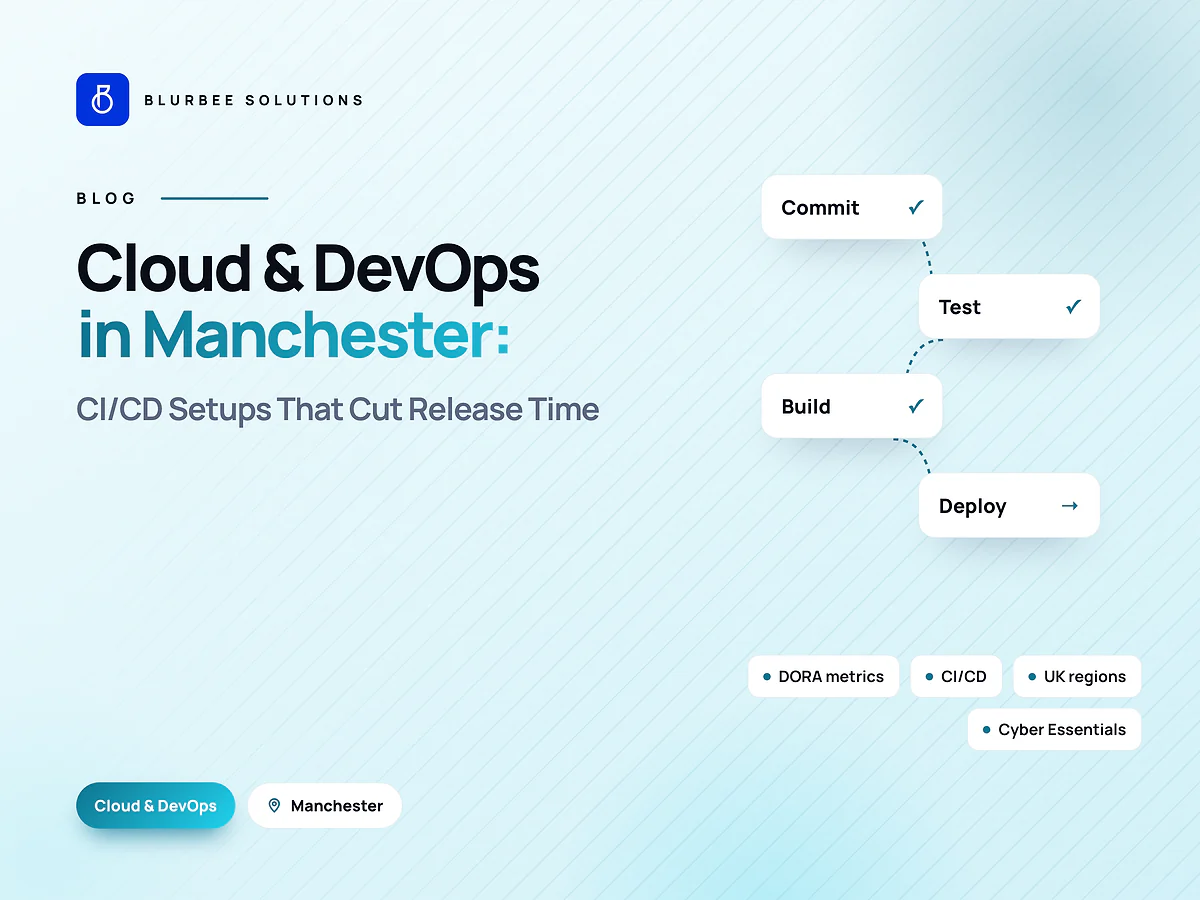
CI/CD pipelines, infrastructure as code, container platforms and developer self-service, so teams ship faster with fewer failed releases.
FinOps and cost optimisation
Making cloud costs visible, allocating them to teams and products, and continuously reducing waste.
Security and compliance
Identity and access management, network controls, encryption, vulnerability management, logging and evidence for audits such as SOC 2, HIPAA or PCI DSS.
AWS, Azure or Google Cloud?
| Provider | Often the best fit when |
|---|---|
| AWS | You want the broadest service catalogue and the largest pool of engineers |
| Microsoft Azure | You rely on Microsoft 365, Entra ID (Active Directory) or .NET |
| Google Cloud | Data analytics, BigQuery, AI tooling and Kubernetes are central |
Multi-cloud sounds attractive but multiplies skills, tooling and security work. Most mid-sized companies are better served by one primary provider used well, with portability built into the architecture where it matters.
FinOps: where cloud savings come from
Flexera's 2026 survey of 753 cloud decision-makers, most of them in the US, found that 63% of organisations now have a dedicated FinOps team and 71% run a Cloud Center of Excellence (Flexera). The practices that reliably reduce waste:
- Visibility first: tag every resource by team, product and environment, and review spend monthly.
- Right-sizing: match instance sizes to measured use, not to guesses made at launch.
- Scheduling: switch off development and test environments outside working hours.
- Commitments: use savings plans, reserved instances or committed-use discounts for steady workloads.
- Storage hygiene: delete unattached volumes, old snapshots and stale backups; move cold data to cheaper tiers.
- Architecture fixes: managed services, autoscaling and serverless where usage is spiky.
- AI cost controls: budgets and alerts on model and GPU spend, and the smallest model that meets quality targets.
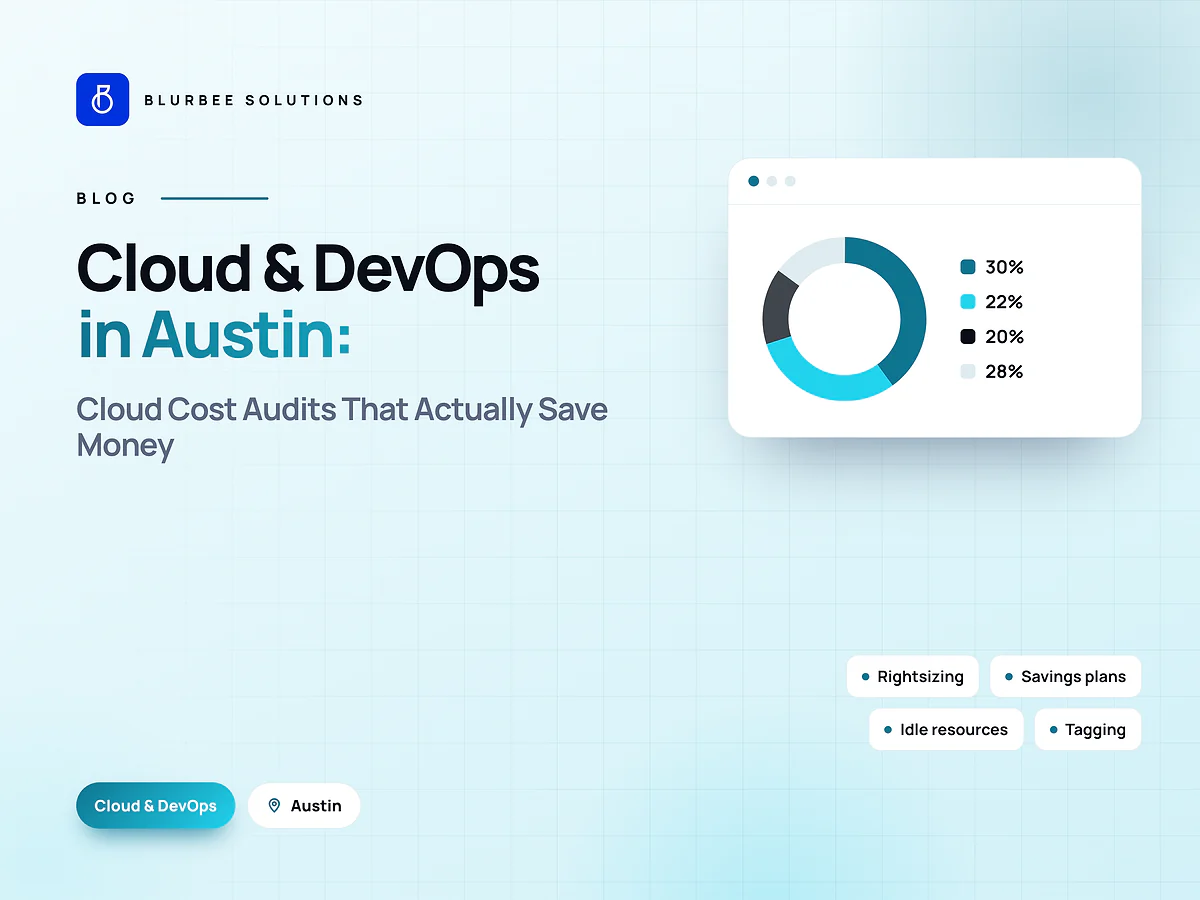
Our cloud cost audit article shows where savings usually hide.
Security basics every cloud estate needs
- Single sign-on and multi-factor authentication for every human account.
- Least-privilege roles for people and services; no shared root credentials.
- Secrets in a vault, never in code or environment files committed to repositories.
- Encryption at rest and in transit.
- Centralised logging retained for the period your regulations require.
- Automated patching and vulnerability scanning.
- Tested backups and a documented disaster-recovery plan.
Reliability: designing for things going wrong
Cloud outages happen, in single services and occasionally whole regions. Spread critical workloads across availability zones, keep backups in a second region, define recovery time and recovery point objectives per system, and practise recovery. Monitoring should alert on symptoms customers notice, such as error rates and latency, not just server metrics.
What cloud services cost
Hosting costs depend on the services you run. Engineering effort depends on scope. A typical Blurbee cloud and DevOps engagement runs three to ten weeks at $26 to $52 per hour, and ongoing managed support is priced by scope and response times. Local agency rates for comparison:
| Market | Typical local agency rate (per hour) |
|---|---|
| United States | $75–$220 |
| United Kingdom | £45–£130 |
| United Arab Emirates | AED 120–420 |
| Canada | CA$60–175 |
| India | ₹800–3,600 |
Choosing a cloud partner
Ask how they measure and report savings, how they handle incidents and on-call, which certifications and audit evidence they can support, whether everything is defined as code, and who owns the accounts. Your cloud accounts, infrastructure code and documentation should always be in your name.
Containers, Kubernetes and serverless: choosing the runtime
- Virtual machines suit legacy applications and predictable workloads, but need patching and capacity management.
- Managed containers (such as AWS ECS, Azure Container Apps or Google Cloud Run) give consistent deployments with less operational work.
- Kubernetes pays off when you run many services and need fine-grained control, but it requires real platform engineering skills.
- Serverless functions are excellent for event-driven and spiky workloads, and can be very cheap at low volume.
Choose the simplest runtime that meets your needs; complexity is a cost too.
Infrastructure as code and CI/CD
Defining infrastructure in code with tools such as Terraform means every environment is reproducible, reviewed and versioned. Combined with CI/CD pipelines that build, test, scan and deploy every change, it reduces failed releases, speeds up recovery and gives auditors a clear history of what changed and when. It also prevents "snowflake" servers that nobody dares to touch.
Observability: knowing before customers do
Good observability combines metrics, logs and traces. Alert on what users experience (error rates, latency, failed checkouts or logins) rather than only CPU and memory. Use dashboards per service, structured logs with request identifiers and distributed tracing for systems with several services. Review alerts regularly so that every page wakes someone for a real reason.
Cloud for AI workloads
AI is now one of the biggest drivers of cloud spend. Practical controls include separate budgets and alerts for model and GPU usage, choosing managed AI services or smaller models where quality allows, caching repeated results, scheduling batch jobs for cheaper capacity and shutting down idle GPU instances. Treat AI spend with the same FinOps discipline as the rest of the estate.
A 90-day plan to improve your cloud
- Days 1 to 30: inventory accounts and resources, enable cost allocation tags, set budgets and alerts, fix critical security gaps such as missing MFA and public storage.
- Days 31 to 60: right-size the biggest workloads, schedule non-production environments, clean up storage and snapshots, and move the most-used services to infrastructure as code.
- Days 61 to 90: buy commitments for steady workloads, add CI/CD where releases are manual, improve monitoring and test a disaster-recovery restore.
Signs you need outside help
- Cloud bills rising faster than usage or revenue.
- Releases that need manual steps or late-night deployments.
- Nobody can say who owns a resource or why it exists.
- Audits that require weeks of evidence gathering.
- Incidents that are discovered by customers first.
Managed services vs an in-house cloud team
Hiring a full in-house cloud team gives you control but takes time, and senior cloud engineers are expensive and in demand. A managed services partner gives you a team with broad experience, round-the-clock coverage if needed and predictable costs. Many companies combine the two: an internal owner who sets priorities and understands the business, and a partner who handles architecture, automation, monitoring and cost optimisation.
Whichever model you choose, keep ownership clear. Cloud accounts, billing, infrastructure code, documentation and credentials should belong to your company, with the partner granted least-privilege access that you can revoke. That way you can change partners, or bring the work in-house, without disruption.
Questions to ask in your next cloud review
- What are our five most expensive services, and do they earn their cost?
- Which resources have no owner or tag?
- When did we last restore a backup successfully?
- Which accounts lack multi-factor authentication?
- How long does a release take, and how often does one fail?
Key takeaways
Make costs visible and owned, right-size and schedule what you run, secure every account with SSO and MFA, define infrastructure as code, monitor what customers experience and practise recovery. Treat AI spend with the same discipline as the rest of the cloud, and keep your accounts and code in your own name.
Cloud services for US companies
US companies we work with most often need cost reduction on AWS, CI/CD and container platforms, and security evidence for customer audits, with state privacy laws and sector rules such as HIPAA shaping the design. Our team supports companies across the United States with daily overlap windows; see cloud and DevOps in the USA, cloud services in Texas, California and Florida, or hire AWS developers in the USA.