AI Agent Development in 2026: Use Cases, Architecture, Costs and How to Avoid a Failed Agent Project
AI agents are moving from demos to daily work. This guide covers where agents pay off, how to build them safely, what they cost and why many agent projects still get cancelled.

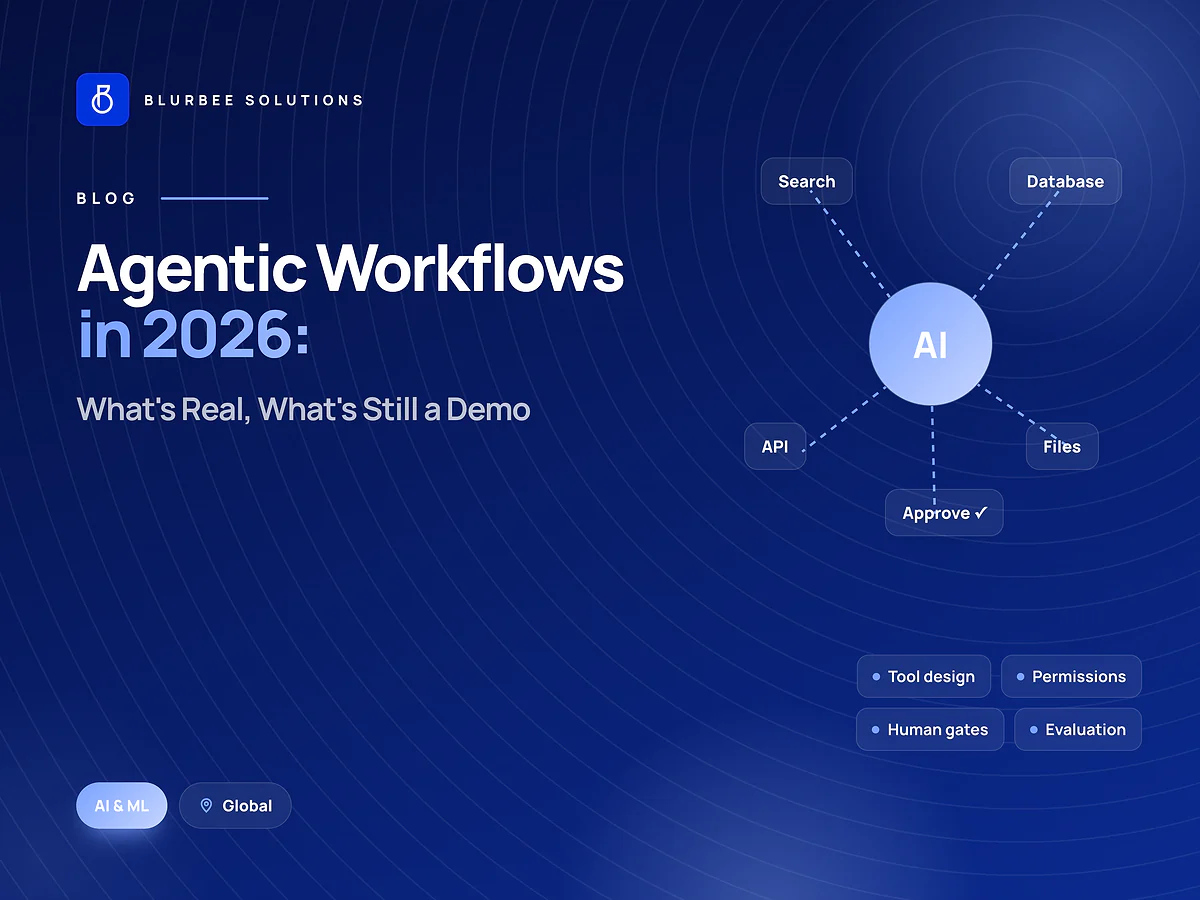
An AI agent is software that uses a language model to plan steps and take actions, such as reading a document, querying a system, updating a record or drafting a reply, rather than only answering a question. That ability to act is what makes agents valuable, and what makes them risky.
Adoption is moving fast. Gartner predicts that 40% of enterprise applications will feature task-specific AI agents by the end of 2026, up from less than 5% in 2025 (Gartner). The same firm also warns that over 40% of agentic AI projects will be cancelled by the end of 2027 because of escalating costs, unclear business value or inadequate risk controls (Gartner). Both statements are true at once: agents work when they are scoped and governed well, and fail when they are not.
Agents, chatbots and automation: what is the difference?
| Chatbot | Rules-based automation | AI agent | |
|---|---|---|---|
| Handles | Questions | Fixed, predictable steps | Variable tasks with judgement |
| Takes actions | Rarely | Yes, scripted | Yes, chosen at run time |
| Copes with messy input | Partly | Poorly | Well |
| Main risk | Wrong answers | Breaks on exceptions | Wrong actions |
Many good "agent" projects are really a mix: deterministic automation for the predictable steps and an agent only where judgement is needed.
Where agents pay off
- Customer support triage: classify tickets, gather account context, draft responses and route to the right team, with a person approving the reply.
- Sales operations: research leads, enrich CRM records, draft follow-ups and update pipeline stages.
- Finance back office: match invoices to purchase orders, flag exceptions and prepare approvals.
- Document processing: extract data from contracts, applications or claims and push it into business systems.
- IT and DevOps: investigate alerts, summarise incidents and propose fixes for engineers to approve.
- Internal knowledge work: answer policy questions from company documents and complete the related request.
Good first use cases are high-volume, low-risk, measurable and already documented as a process.
The architecture of a production agent
- The model: a large language model chosen for the task, often with a cheaper model for simple steps.
- Tools: well-defined functions the agent may call, such as "look up order", "create ticket" or "send draft for approval". Standards such as the Model Context Protocol (MCP) make tools reusable across agents.
- Knowledge: retrieval from your documents and data, usually through a RAG pipeline. See what a RAG system costs to run.
- Memory and state: what the agent remembers within a task and across tasks.
- Orchestration: the loop that plans, calls tools, checks results and decides when to stop or hand over to a person.
- Guardrails: permissions, input and output checks, spending limits and approval steps.
- Observability: logs of every step, tool call and decision, so problems can be traced and fixed.
- Evaluation: a fixed set of test tasks with expected outcomes, run on every change.
Guardrails that prevent expensive mistakes
- Least privilege: each tool exposes only the actions and data the agent needs.
- Human approval for anything irreversible, financial or customer-facing, at least until accuracy is proven.
- Rate and spend limits per task and per day.
- Prompt-injection defences: treat content from emails, web pages and documents as data, never as instructions.
- Audit trails for compliance and debugging.
- A kill switch that stops the agent immediately.
Build, buy or extend?
Many SaaS tools now include agents. Use them when your process matches the vendor's. Build when the agent must work across your own systems, follow your rules, handle sensitive data in your own cloud, or when per-seat pricing becomes expensive at volume. A common middle path is a custom agent built on a platform model's API, with your own tools, data and guardrails.
What AI agents cost
There are two costs: building the agent and running it.
- Build cost depends on the number of tools and systems, the risk of the actions and the depth of evaluation. A typical Blurbee AI and ML engagement runs eight to sixteen weeks at $30 to $60 per hour, often starting with a two-to-four-week pilot.
- Running cost depends on tasks per day, steps per task, the models used for each step and the context each step carries, plus hosting, monitoring and the people who review outputs.
Local agency rates in our markets for comparable work:
| Market | Typical local agency rate (per hour) |
|---|---|
| United States | $75–$220 |
| United Kingdom | £45–£130 |
| United Arab Emirates | AED 120–420 |
| Canada | CA$60–175 |
| India | ₹800–3,600 |
For a fuller breakdown of AI budgets, read AI development cost in 2026.
Why agent projects get cancelled, and how to avoid it
- No measurable goal. Define the metric first: hours saved, tickets resolved, cycle time.
- Too much autonomy too soon. Start with approval on every action and widen authority as accuracy is proven.
- No evaluation set. Without one, every change is a guess.
- Unbounded costs. Set budgets per task and choose the smallest model that passes evaluation.
- Weak governance. Decide who owns the agent's behaviour, reviews incidents and approves changes.
How to evaluate an AI agent
Evaluation is what separates agents that ship from agents that stall. A practical evaluation approach:
- Collect real tasks. Gather a few hundred representative examples from tickets, emails, documents or records.
- Define success per task. The correct action, the correct data written, the correct tone or the correct escalation.
- Score automatically where possible (was the right tool called with the right arguments?) and with human review where judgement is needed.
- Track cost and latency alongside accuracy for every run.
- Run the evaluation on every change to prompts, tools, models or data, and block releases that make results worse.
- Keep learning from production: add failed real-world cases to the evaluation set.
From pilot to production
A pilot proves the idea; production needs more:
- Integration hardening: retries, timeouts and clear error handling for every tool.
- Security review: permissions, data access, secrets and prompt-injection testing.
- Human-in-the-loop design: clear approval screens that show what the agent wants to do and why.
- Monitoring: dashboards for volume, success rate, escalations, cost and latency.
- Runbooks: what to do when the agent misbehaves, including how to pause it.
- Ownership: a named business owner and a technical owner who review incidents and approve changes.
Measuring return on investment
Decide the measure before building, then report it monthly:
- Hours of manual work saved, valued at the loaded cost of the people involved.
- Faster cycle times, such as time to first response or days to close invoices.
- Higher throughput without extra headcount.
- Quality improvements: fewer errors, fewer missed follow-ups.
- Minus running costs: model usage, hosting, monitoring and review time.
If an agent cannot show a positive return after its pilot, stop or redesign it. That discipline is what keeps you out of the cancelled-project statistics.
Multi-agent systems: when one agent is not enough
Complex workflows sometimes use several specialised agents, for example one that researches, one that drafts and one that checks. Multi-agent designs can improve quality, but they multiply cost, latency and failure points. Start with a single agent and well-designed tools, and add agents only when evaluation shows a clear gain.
Data privacy for agents
Agents often see sensitive data. Keep personal and confidential data out of prompts unless it is needed for the task, mask it where possible, choose model providers and regions that meet your obligations, log access, and agree data-processing terms in writing. For US companies, sector rules such as HIPAA and state privacy laws apply to agent workflows exactly as they do to any other software.
Signs your business is ready for AI agents
- A repetitive process is documented, with clear rules for exceptions.
- The data the agent needs is accessible through APIs or exports.
- Someone owns the process and can judge whether outputs are correct.
- Volume is high enough that saving minutes per task adds up to hours per week.
- You can start with a person approving each action.
If the process is undocumented or the data is scattered, fix that first. An agent automates a good process well, and a bad process badly.
Key takeaways
Start with one measurable, low-risk use case; build tools with least privilege; keep a person approving actions until accuracy is proven; evaluate every change against a fixed test set; watch cost per task; and give the agent a named owner. Agents built this way earn their place instead of joining the cancelled-project statistics.
AI agents for US companies
US teams are deploying agents fastest in support, sales operations, finance and healthcare administration, where HIPAA and state privacy laws shape what data an agent may see. Our team builds agents for companies across the United States with daily overlap for reviews; see AI and ML development in the USA, AI development in California, New York City and Texas, or hire AI and ML engineers in the USA.