Shopify vs WooCommerce vs Custom E-commerce in 2026: How to Choose the Right Platform
A practical comparison for US retailers and brands: what each option costs over time, where each one breaks down, and how to choose without regretting it in two years.

Choosing an e-commerce platform is one of the most consequential decisions an online business makes. It affects your monthly costs, how quickly you can change the store, how well it ranks, and how painful it will be to move later.
This guide compares the three most common paths for US businesses: Shopify, WooCommerce and a custom-built store.
The market context
Online retail keeps growing faster than retail overall. The US Census Bureau reported US retail e-commerce sales of $340.2 billion in the second quarter of 2026, seasonally adjusted, or 17.1% of total retail sales. E-commerce sales grew 12.2% from the second quarter of 2025, while total retail sales grew 6.7% (US Census Bureau).
Conversion is the constant challenge. Baymard Institute's running average of published studies puts online cart abandonment at about 70% (Baymard). Whatever platform you choose, checkout experience and speed matter as much as features.
The three options in one table
| Shopify | WooCommerce | Custom e-commerce | |
|---|---|---|---|
| What it is | Hosted SaaS platform | Open-source plugin for WordPress | A store built for your business |
| Time to launch | Fastest | Fast | Slowest |
| Upfront cost | Low | Low to moderate | Highest |
| Ongoing costs | Subscription, apps, transaction fees | Hosting, plugins, maintenance | Hosting, maintenance, development |
| Control and flexibility | Moderate | High | Complete |
| Maintenance burden | Low | Medium to high | Depends on build |
| Best for | Most brands and retailers | Content-led stores on WordPress | Complex B2B, marketplaces, unusual models |
Shopify: fast, reliable, opinionated
Strengths:
- Hosted, secure and reliable, with no servers to manage.
- A large ecosystem of themes and apps.
- Built-in checkout that many shoppers already trust.
- Fast to launch and easy for non-technical teams to manage.
Weaknesses:
- Monthly fees, plus app subscriptions that add up as you grow.
- Less control over checkout and some back-end processes on lower plans.
- Complex B2B pricing, custom workflows or unusual product models can need workarounds.
Best for: most direct-to-consumer brands and retailers that want to focus on selling, not software.
WooCommerce: flexible and content-friendly
Strengths:
- Built on WordPress, excellent for content-heavy sites and blogs.
- Open-source and highly customizable.
- No platform transaction fee from the software itself.
- Large plugin ecosystem.
Weaknesses:
- You manage hosting, security, updates and performance.
- Plugin conflicts and slow performance are common without careful engineering.
- Scaling to high traffic needs good hosting and optimization.
Best for: businesses already invested in WordPress, content-led stores and teams with technical support.
Custom e-commerce: built around your business
Strengths:
- Complete control over the customer experience, checkout and back-end processes.
- Handles complex models: B2B pricing and quoting, marketplaces, subscriptions, configurators, multi-warehouse inventory.
- Deep integration with ERP, CRM and fulfillment systems.
- No platform lock-in, and no per-sale platform fees.
Weaknesses:
- Highest upfront cost and longest timeline.
- You own maintenance, security and hosting.
- Requires a capable, long-term development partner.
Best for: businesses whose model doesn't fit standard platforms, or whose scale makes platform fees and limits expensive.
A middle path is headless commerce: a platform such as Shopify handles products, checkout and orders, while a custom front end built with a framework like Next.js handles the experience. It combines a proven commerce engine with design freedom.
Total cost of ownership over three years
Compare more than the launch quote:
- Platform fees: subscriptions and transaction or payment fees.
- Apps and plugins: many stores pay for a dozen or more monthly subscriptions.
- Hosting and security, especially for WooCommerce and custom builds.
- Development: initial build plus ongoing changes.
- Maintenance: updates, security patches and compatibility fixes.
- Performance work: keeping the store fast as it grows.
- Migration cost if you outgrow the platform later.
Blurbee's published rates are $22 to $45 per hour for web development, and a typical web development engagement runs six to fourteen weeks. Local US agency rates on our location pages typically run from $75 to $220 per hour. Our e-commerce website development guide covers budgeting in more depth.
SEO and performance
All three can rank well if built properly. What matters:
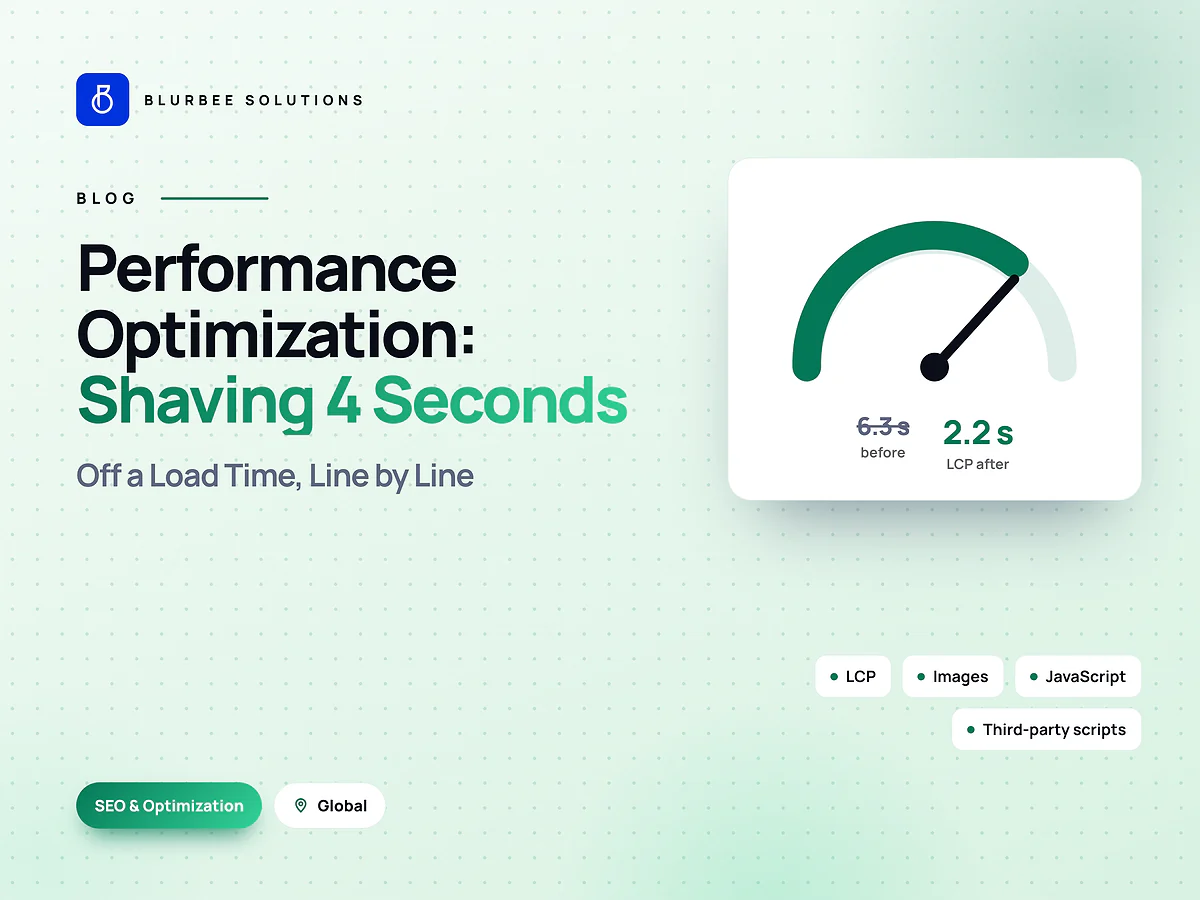
- Fast pages, meeting Google's Core Web Vitals. Heavy themes and too many apps or plugins are the usual cause of slow stores. See our web performance article.
- Clean URLs and structured data for products, reviews you genuinely hold, and breadcrumbs.
- Unique product and category content, not manufacturer descriptions copied across the web.
- Careful redirects when migrating, to protect existing rankings.
Migration: moving between platforms
If you're outgrowing your current platform:
- Audit what you have: products, customers, orders, content, apps and integrations.
- Map every URL and plan 301 redirects.
- Migrate data in rehearsals before the real move.
- Test checkout, payments, tax and shipping thoroughly.
- Launch at a quiet time, and monitor rankings, conversions and errors closely afterwards.
How to decide
- Choose Shopify if you want to launch fast, sell standard products and minimize maintenance.
- Choose WooCommerce if your business is content-led, already on WordPress, and you have technical support.
- Choose headless if you want a proven commerce engine with a fully custom experience.
- Choose custom if your model, integrations or scale don't fit standard platforms.
A worked example: choosing for three businesses
A direct-to-consumer apparel brand with a few hundred products, standard shipping and a small team. Shopify is usually the best fit: fast to launch, reliable and easy to manage, with budget focused on design, photography and marketing.
A specialist retailer with a large content library already running WordPress, publishing buying guides and how-to content that drives most of its traffic. WooCommerce keeps content and commerce together on one platform, with careful attention to hosting and performance.
A B2B distributor with customer-specific price lists, quotes, credit terms, multiple warehouses and ERP integration. Standard platforms need heavy workarounds; a custom or headless build around the ERP usually serves it better.
The right answer depends on your model, not on which platform is most popular.
How Blurbee runs an e-commerce project
- Discovery: products, customers, fulfillment, integrations, current analytics and growth plans.
- Platform recommendation with a three-year cost comparison.
- UX and design focused on product discovery, product pages and checkout.
- Build and integrate: catalog, payments, tax, shipping, ERP, CRM and marketing tools.
- Migration and SEO: data migration rehearsals, URL mapping and redirects.
- Launch and optimize: speed, conversion and analytics, measured after go-live.
Platform decision checklist
- How many products and variants, and how complex are they?
- Do you sell B2C, B2B or both?
- Which systems must the store integrate with?
- How much content marketing drives your traffic?
- Who will manage the store day to day?
- What will platform, app and transaction fees cost at your expected volume?
- How hard would it be to move in three years?
Key takeaways
Shopify suits most brands that want speed and low maintenance, WooCommerce suits content-led businesses on WordPress, and custom or headless builds suit complex models and integrations. Compare total cost over three years, protect SEO in any migration, and invest in speed and checkout experience whichever platform you choose.
Who works on a Blurbee e-commerce project
E-commerce projects bring together a delivery lead, a UX designer focused on product pages and checkout, web developers experienced in Shopify, WooCommerce and custom builds, an integration developer for ERP, CRM and fulfillment systems, an SEO specialist for migration and structured data, and a QA engineer testing payments, tax and shipping. Everything is built in your accounts, so you own the store, data and code from day one.
Common e-commerce mistakes
- Too many apps or plugins, slowing the store and adding monthly costs.
- Copying manufacturer descriptions, which weakens SEO.
- Ignoring mobile checkout, where many shoppers abandon.
- Launching migrations without redirects.
- No analytics on product, cart and checkout events, so nobody knows where sales are lost.
What to prepare before you contact an e-commerce developer
- Product count, variants and how often the catalog changes.
- Current platform, monthly traffic and conversion rate, if known.
- Systems the store must connect to: ERP, CRM, inventory, shipping, accounting.
- Payment methods, markets and tax requirements.
- Who will manage products, orders and content day to day.
These details decide which platform fits and what the build will cost, so sharing them early leads to a much more accurate proposal.
Next steps
Write down your products, systems and growth plans, then get a platform recommendation with a three-year cost comparison before choosing. If you already have a store, start with a speed and conversion review, which often finds savings that matter more than switching platforms.
Whichever platform you choose, plan to review it every year or two as your catalog, channels and order volume grow.
Why companies choose Blurbee for e-commerce
Blurbee builds and improves online stores for US businesses: platform selection, Shopify and WooCommerce development, headless builds, custom e-commerce, integrations with ERP and CRM, and performance and SEO work. We're a team of 35+ in Surat, India, working since 2019 with 60+ projects delivered. We start with a fixed-scope first project, sign an NDA first, and assign code and IP to you in writing.
See our e-commerce development services, e-commerce development across the USA, and our page for Florida.