AI Integration Services: How to Add AI to Your Existing Software and Workflows
You don't need a new platform to use AI. This guide explains how to add AI features to the systems you already run, safely, measurably and without a rebuild.

Most businesses don't need a brand-new AI platform. They need the software they already use, such as their CRM, help desk, ERP, customer portal or internal tools, to get smarter: answering questions from their own documents, extracting data from files, summarizing records, and taking routine work off their staff.
That's AI integration. This guide explains what it involves, where it pays off, and how to do it safely.
Where adoption stands
AI use is widespread among larger organizations: in McKinsey's 2025 global survey, 88% of respondents reported regular AI use in at least one business function (McKinsey). Across all US businesses, adoption is lower but rising; the US Census Bureau found AI use hovered between 17% and 20% from December 2025 to May 2026, with 20% to 23% expecting to use it within six months (US Census Bureau).
For most companies, the next step isn't experimenting with chatbots. It's putting AI where work already happens.
Common AI integration use cases
- Search and answers over your documents: policies, manuals, contracts and knowledge bases, using retrieval-augmented generation (RAG).
- Document data extraction: invoices, purchase orders, forms, IDs and contracts into structured fields.
- Summaries: support tickets, CRM records, calls, meetings and long reports.
- Classification and routing: sorting incoming emails, tickets and leads, and sending them to the right team.
- Drafting: replies, proposals and product descriptions for staff to review.
- Recommendations and forecasting: products, next actions and demand.
- Agents for defined workflows: completing multi-step tasks across systems. See our AI agent development cost guide.
How AI integration works
A typical integration has five layers:
- Your existing system, such as a CRM, ERP, help desk or custom application.
- An integration layer: APIs, webhooks or a small service that connects your system to AI.
- AI models, accessed through a provider's API or hosted privately, chosen for quality, cost and data requirements.
- Your data, made available through retrieval with the right access controls.
- Guardrails and monitoring: permissions, logging, evaluation, cost limits and human review.
The aim is to add AI without disrupting what already works, and to keep the AI provider replaceable.
Prompting, RAG or fine-tuning?
- Prompting an existing model is enough for many drafting, summarizing and classification tasks.
- Retrieval (RAG) grounds answers in your own documents and data, and is the usual choice for knowledge assistants.
- Fine-tuning adapts a model to a specific style or task, and is needed less often than people expect.
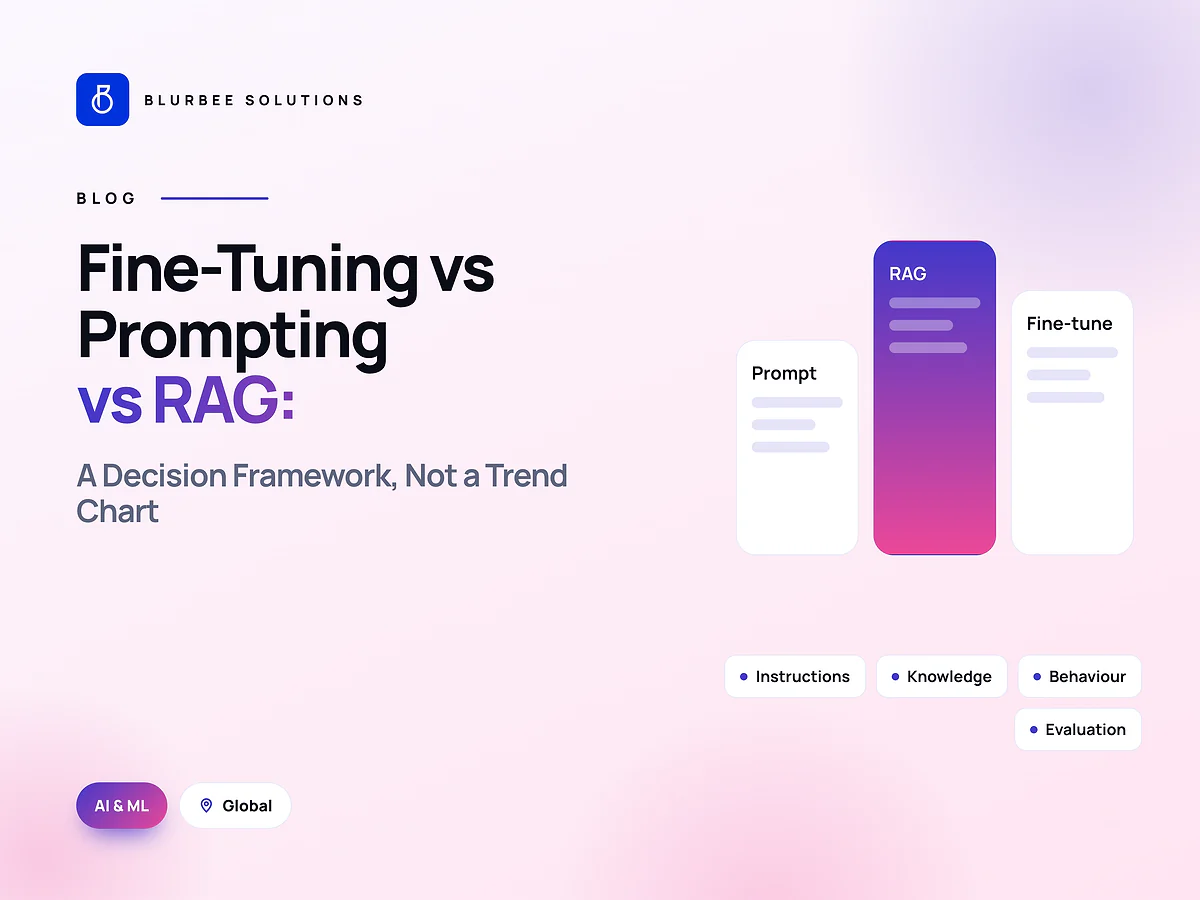
Our article on fine-tuning vs prompting vs RAG explains when each fits.
Data, privacy and security
AI integration touches sensitive data, so plan carefully:
- Know what data the AI will see, and why. Send only what the task needs.
- Check provider terms: where data is processed, how long it's kept, and whether it's used for training.
- Respect existing permissions. A user shouldn't be able to retrieve documents through AI that they couldn't open directly.
- Protect against prompt injection from emails, documents or web pages the AI reads.
- Log inputs, outputs and actions for audit, without storing sensitive data unnecessarily.
- Follow your regulations: HIPAA, PCI DSS, state privacy laws and industry rules. See our HIPAA software guide.
Breaches are costly; IBM's Cost of a Data Breach Report 2025 found the average US breach cost $10.22 million (IBM).
What AI integration costs
Costs have two parts: the integration work and the running costs (model usage, retrieval infrastructure, hosting and human review). Integration effort depends on how easily your systems expose data, how clean that data is, and how much evaluation and governance the use case needs.
Blurbee's published rates for AI and ML work are $30 to $60 per hour depending on seniority, and a typical AI engagement runs eight to sixteen weeks. A focused first integration is usually smaller: our first projects are fixed-scope, two to four weeks, and priced as a number. Our AI development cost guide covers budgeting.
A step-by-step integration plan
- Pick one high-value workflow that is frequent, measurable and low-risk if the AI is wrong.
- Measure the baseline: time, cost and error rate today.
- Check the data: where it lives, how clean it is, and who can access it.
- Build an evaluation set of real examples with expected results.
- Integrate with human review of every output at first.
- Measure accuracy, time saved and cost per task.
- Reduce review where results are consistently right, and expand to the next workflow.
Common mistakes
- Starting with the model, not the problem.
- Ignoring data quality and permissions.
- No evaluation, so quality drifts unnoticed.
- Locking into one provider with no way to switch.
- Skipping change management, so staff don't trust or use the feature.
What you get from Blurbee
- An integration assessment: systems, data, risks and the best first use case.
- A working, evaluated integration with your existing software.
- Retrieval and access controls that respect your permissions.
- Monitoring and cost dashboards.
- Documentation and handover, with code, prompts and evaluation sets in your name.
A worked example: AI in a customer support help desk
Consider a company whose support team answers thousands of emails a month from a help desk connected to its order system. A focused AI integration might:
- Classify each incoming email by topic and urgency, and route it to the right queue.
- Pull the customer's order details automatically into the ticket.
- Draft a reply grounded in the help center and the order record.
- Let the agent edit and send the draft, with one click to escalate.
- Log which drafts were sent unchanged, edited or rejected.
The company measures handling time, first-response time, accuracy of classification and the share of drafts sent with few edits. Once results are consistent, the simplest request types can be resolved automatically, with clear handoff to people for everything else.
How Blurbee runs an AI integration
- Assessment: systems, data access, permissions, risks and the best first use case.
- Evaluation set: real examples with expected results, agreed before building.
- Integration build: APIs, retrieval, prompts and guardrails, behind an abstraction layer so the AI provider stays replaceable.
- Pilot with human review of every output.
- Measure and tune: accuracy, time saved, cost per task and user feedback.
- Roll out and monitor, with dashboards for quality and cost.
Our AI engineers work alongside our back-end developers, so integration, security and performance get as much attention as the model.
Readiness checklist
- Can your systems expose the data the AI needs through APIs?
- Is the data accurate and reasonably consistent?
- Who is allowed to see which data, and how will AI respect that?
- What does success look like, in numbers?
- Who owns the feature after launch?
Key takeaways
AI integration adds intelligence to the systems you already run. Start with one frequent, measurable workflow, check your data and permissions, build an evaluation set, keep people reviewing outputs at first, and keep the AI provider replaceable.
Who works on a Blurbee AI integration
AI integrations are delivered by a delivery lead, an AI engineer who designs prompts, retrieval and evaluation, a back-end developer who builds the integration layer and APIs, and a QA engineer who tests against the evaluation set. For larger projects a data engineer prepares and cleans the data, and DevOps support handles hosting, monitoring and cost controls. The same team documents everything, so your own developers can maintain and extend the feature.
Common integration mistakes
- Sending more data than the task needs, increasing cost and privacy risk.
- Ignoring user permissions in retrieval, so people see documents they shouldn't.
- No fallback when the AI provider is slow or unavailable.
- Measuring only model accuracy, not time saved or user adoption.
- Treating launch as the end, instead of monitoring quality and cost every month.
What to prepare before an AI integration project
- The workflow you want to improve, with monthly volume and time per task.
- The systems involved and how they expose data (APIs, exports, databases).
- Twenty to fifty real examples with the correct outcome for each.
- Data rules: what's sensitive, who may see it and where it may be processed.
- The business owner who will judge whether the feature works.
With these ready, an assessment can recommend a realistic first use case and a fixed-price pilot quickly.
Next steps
Pick the workflow your team complains about most, measure how long it takes today, and gather a few dozen real examples. That's enough to scope a pilot and know, within weeks, whether AI will pay for itself there.
Why companies choose Blurbee for AI integration
Blurbee's team of 35+ in Surat, India has built software since 2019, with 60+ projects delivered. Our AI engineers work alongside back-end and integration developers, so AI features connect cleanly and securely to the systems you already run. We sign an NDA first, start with a fixed-scope pilot, and assign code, prompts and IP to you in writing.
See our AI and ML development services, AI development across the USA, and our pages for Massachusetts and Texas.